From Paper Field Forms to DHIS2: How NGOs Can Eliminate Manual Data Entry

NGO paper forms DHIS2 workflows are broken by design. Field teams collect data on paper. That paper travels. Someone re-enters it. Someone else cleans it. By the time data reaches DHIS2, weeks have passed and errors have compounded at every handoff. Document intelligence eliminates most of that chain — converting paper field forms to structured, DHIS2-ready data the same day they are collected.
This guide covers the full workflow: why paper persists, what the data chain costs, what DHIS2 actually needs, and the step-by-step process for digitising field forms at scale using Taxiom.
The NGO Field Data Problem — Why Paper Forms Persist
Paper forms persist for practical reasons. Many field sites have no reliable internet. Devices break, get lost, or run out of charge. Community health workers are trained on paper processes that took years to embed. Digital tools require onboarding time and infrastructure that programme teams often cannot justify mid-cycle.
These are real constraints. But they do not require paper to stay in your data pipeline all the way to DHIS2.
The problem is not data collection on paper. The problem is treating paper as a permanent format — something to be transported, warehoused, and manually re-entered rather than converted at the earliest possible point.
Most NGOs have digitised their reporting dashboards. Very few have digitised the transition from field form to structured data. That gap is where weeks of staff time disappear and where programme decisions get made on stale information.
The Data Entry Chain: Forms → Transport → Entry → Spreadsheets → Reports
The standard NGO field data workflow looks like this:
- Community health workers or field agents fill out paper forms at the point of service.
- Forms are bundled and transported to a district office — typically weekly or monthly.
- A data entry clerk re-enters form values into a spreadsheet or intermediate database.
- M&E staff clean and validate the spreadsheet data.
- Cleaned data is uploaded or manually entered into DHIS2.
- Programme managers run reports from DHIS2 — often 2–6 weeks after the original data was collected.
Each step in that chain adds delay. Each step also adds a new opportunity for error. When field data is written on paper and then re-entered into a system, the same data point passes through human hands at least twice. With a 1% error rate at each entry point and 20+ data fields per form, this two-phase paper-then-system process means a significant proportion of records will contain at least one error.
This is not a staffing problem. It is a workflow design problem.
What This Costs in Time and Programme Quality
The costs sit in three categories: staff time, data latency, and decision quality.
Staff time. Data entry clerks in district offices spend the majority of their working hours on transcription. That is not a high-leverage use of trained programme staff. In programmes with high form volumes — immunisation tracking, nutrition surveys, household assessments — this burden can consume entire positions.
Data latency. When field data takes two to four weeks to reach DHIS2, it is historical by the time it informs decisions. Programme managers cannot act on a disease cluster or a supply shortage they do not know about yet. Real-time data is not a luxury — it is a programme quality requirement.
Error accumulation. Research into manual data entry published by business professor Raymond R. Panko found that when manually inputting data into spreadsheets and documents, the probability of human error ranges from 18% to 40%. In field data collection contexts — complex forms, low-light conditions, time pressure, non-native language documentation — error rates are likely to sit at the higher end of that range.
Together, these costs reduce the quality of the M&E outputs your donors and leadership depend on, and increase the risk that programme adjustments are made on faulty data.
What DHIS2 Needs vs What You Have
DHIS2 is built for structured, consistent data. It expects:
- Defined organisation unit codes
- Fixed period types (weekly, monthly, quarterly)
- Validated data element IDs that match your dataset configuration
- Numeric values that sit within expected ranges
- Mandatory fields completed before a form can be submitted
What you have from paper is the opposite: free-form handwriting, abbreviated field names, inconsistent date formats, blank cells, values written in margins, and forms that vary between field sites even within the same programme.
By the time data reaches DHIS2, it will often have been recorded first on patient cards or registers, then manually tallied into tally sheets, before being aggregated into reporting forms — with the quality of all these tools, and the training provided to staff, being critical for the integrity of the final data.
The gap between what paper produces and what DHIS2 requires is not a minor formatting issue. It is a structural mismatch that cannot be resolved by training alone. It requires a translation layer — one that reads the paper form as it exists and maps it to the DHIS2 data model your instance uses.

The Field Harmonisation Challenge: Inconsistent Field Names Across Forms
Field harmonisation is the most underestimated problem in NGO M&E data. Across a typical programme, you will find:
- "HH members" on one form, "household size" on another, "total individuals" on a third — all mapping to the same DHIS2 data element
- Date formats that vary by field agent: DD/MM/YY, month name, or just the week number
- Organisation unit names written as abbreviations, colloquial names, or with spelling variation
- Forms that have been locally modified by district teams without updating the master template
This is not carelessness. It is the natural result of decentralised field operations running under time pressure. But it breaks automated pipelines. A system that expects "HH members" will fail silently on "household size" — producing empty cells in DHIS2 rather than an error message.
The field harmonisation challenge is why simple OCR alone does not solve NGO data problems. You need a layer that understands the semantic meaning of a field, not just its text label.
This is the problem Taxiom is built to solve.
Step-by-Step: Paper Forms → Taxiom → DHIS2
This is the full workflow for digitising field data collection using Taxiom as the document intelligence layer.
Step 1: Upload or photograph field forms
Field agents or district staff upload scanned or photographed paper forms to Taxiom. This can be done via the web interface, a mobile upload, or a shared folder integration. No specialist hardware is required. A phone camera produces sufficient image quality for most printed forms.
Step 2: Document intelligence extracts structured data
Taxiom reads the form — handwriting, printed fields, checkboxes, tables — and extracts each value as a structured data point. This is not simple OCR. The system understands form structure, identifies field boundaries, and handles variation in handwriting style and ink quality.
Step 3: Field mapping to your DHIS2 data model
Taxiom maps extracted field values to the corresponding DHIS2 data elements in your instance. This mapping is configured once and applied to every subsequent form of the same type. Synonymous field names ("HH members", "household size") are resolved at this stage. Organisation unit codes are matched. Period types are validated. This is the field harmonisation step that manual workflows cannot reliably perform at scale.
Step 4: Validation before entry
Before data reaches DHIS2, Taxiom flags any values that fall outside expected ranges, any mandatory fields that are blank, and any organisation unit codes that do not match your instance configuration. Exceptions are surfaced for human review. Clean records proceed automatically.
Step 5: Direct DHIS2 data push
Validated, structured data is pushed directly to your DHIS2 instance via the DHIS2 Web API. Records appear in DHIS2 with the correct organisation unit, period, and data element assignments — ready for validation and reporting without any manual re-entry.
For technical documentation on DHIS2's data import API, see the DHIS2 Developer Portal.
The result: paper collected in the field in the morning can be in DHIS2 by the afternoon of the same day.
Real-Time Data and Why It Changes Programme Decisions
Closing the lag between data collection and data availability is not just an operational improvement. It changes what programme managers can actually do.
With a two-week lag, you are managing by review. You see problems after they have developed. Supply stockouts become shortfalls. Cluster outbreaks become confirmed cases. Reporting gaps become missed targets.
With same-day or next-day data in DHIS2, you are managing by signal. You see the leading indicator before the lagging outcome. A single health facility with three consecutive weeks of incomplete data is visible in DHIS2 before it becomes a reporting gap in your donor report. A spike in referral volumes in one district shows up in your dashboard while there is still time to act.
For M&E teams, this also changes the quality of programme evaluations. Longitudinal data that was previously reconstructed from paper archives — with all the associated gaps and reconciliation effort — becomes a clean, time-stamped digital record from day one.
Taxiom's DHIS2 integration is designed specifically for this use case: closing the gap between field collection and system-level visibility.
GDPR and Data Handling for NGO Beneficiary Data
NGO programmes frequently collect sensitive personal data: health status, household income, displacement status, beneficiary identity. This data is subject to regulatory obligations — including the General Data Protection Regulation (GDPR) for programmes operating in or receiving funding from EU countries, and equivalent frameworks in other jurisdictions.
Key GDPR requirements for NGO field data pipelines:
- Lawful basis for processing: Field data collection must be underpinned by documented consent or another lawful basis. This applies from the point of form completion, not just from the point of digital entry.
- Data minimisation: Forms should collect only the data elements required for the programme objective. Field harmonisation — mapping all variants to a single data element — supports this by making your data inventory auditable.
- Access controls: Structured data in DHIS2 should be access-controlled by role and organisation unit. Data pushed via the API inherits these controls if configured correctly.
- Data processing agreements: Any third-party tool in your data pipeline, including document intelligence platforms, must operate under a signed Data Processing Agreement (DPA) that specifies storage location, retention periods, and sub-processor obligations.
Taxiom operates as a data processor under GDPR. Data submitted for extraction is processed and then cleared — it is not retained for model training or shared with third parties. DPA documentation is available for all NGO clients.
For sector-specific guidance on NGO data governance, Bond's technology for development resources and NetHope's digital transformation guides are useful reference points.
How to Onboard Field Teams to the New Workflow
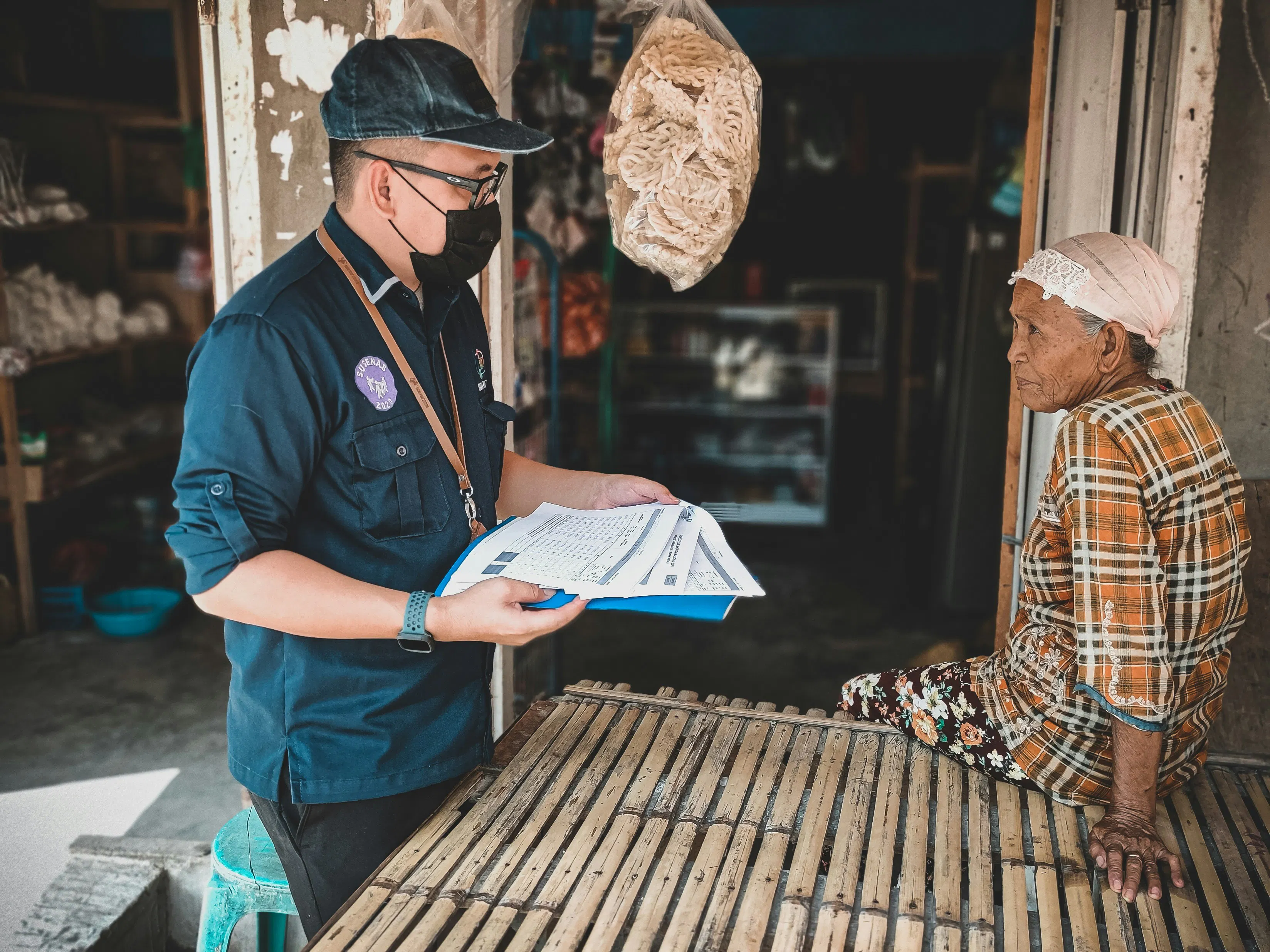
Field team onboarding is where digitisation programmes fail most often — not at the technology level, but at the adoption level. A few principles that work in practice:
Do not remove the paper form. Field agents continue filling out the same paper form they already know. The change is not in how they collect data — it is in what happens to the form after collection. This removes the training burden on the hardest-to-reach part of your team.
Train district-level upload staff, not field agents. In most NGO programmes, forms already travel to a district office before entering any system. Onboard the staff at that point to photograph and upload forms via Taxiom. The field agent workflow is unchanged. The data entry clerk workflow is replaced with a five-minute upload task.
Start with one form type. Pick the highest-volume or highest-priority form in your programme. Configure the Taxiom field mapping for that form type. Validate the output in DHIS2 for two to four weeks before rolling out additional form types. This builds trust in the system before scale.
Build a feedback loop. When Taxiom flags a validation exception — a blank mandatory field, a value outside range — route that flag back to the originating district. Use it as a coaching point for field agents, not as a system failure. Over time, exception rates drop as form completion quality improves.
Document the mapping logic. Your DHIS2 field mapping configuration is programme knowledge. Record it, version it, and store it in your M&E documentation. When you onboard new M&E staff, this document is the authoritative source for how your paper forms relate to your DHIS2 data model.
Try Taxiom Free
If your field data collection is still passing through a manual re-entry step before reaching DHIS2, you are paying for it in staff time, data latency, and M&E accuracy. Calculate what that costs your programme — and see the paper-to-DHIS2 workflow in action — at taxiom.co.
Conclusion
The paper-to-DHIS2 problem is not unsolvable. Most NGOs are already collecting the right data in the field. The gap is in the translation layer between what the field produces and what DHIS2 requires. Field harmonisation, structured extraction, and direct API integration close that gap — without asking field teams to change how they work.
Document intelligence is the mechanism. Faster programme decisions, cleaner M&E data, and hours recovered from data entry every week are the outcome.
Taxiom is built for this workflow. Start with one form type, validate the output, and expand from there.
Frequently Asked Questions
What is the paper forms to DHIS2 workflow problem for NGOs?
The problem is structural. Field data is collected on paper, transported to a district office, manually re-entered into a spreadsheet or intermediate system, cleaned, and then entered into DHIS2 — a process that typically takes two to six weeks. Each manual handoff introduces errors and delay. The result is that programme managers in DHIS2 are always working from historical data, and M&E teams spend significant staff time on transcription rather than analysis.
How does Taxiom connect paper field forms to DHIS2?
Taxiom acts as a document intelligence layer between your paper forms and your DHIS2 instance. It extracts structured data from scanned or photographed forms, maps extracted field values to your DHIS2 data elements, validates the output against your instance configuration, and pushes clean records directly to DHIS2 via the Web API. The process replaces manual re-entry with an automated pipeline that can turn around same-day data.
What is field harmonisation and why does it matter for NGO M&E data?
Field harmonisation is the process of mapping variant field names and formats across different forms to a single, consistent data element. In NGO programmes, the same data point is often labelled differently across form versions, districts, or programme cycles. Without harmonisation, automated pipelines produce empty or mismatched DHIS2 entries. Taxiom handles this mapping step as part of its configuration, resolving field name variations before data reaches DHIS2.
Does digitising field forms raise GDPR compliance concerns?
Yes, and they are manageable. GDPR applies to any personal data processed as part of your field data collection — beneficiary identity, health status, household composition. Any tool in your digital pipeline, including document intelligence platforms, must operate under a Data Processing Agreement (DPA) that covers storage location, retention, and sub-processor obligations. Taxiom provides DPA documentation for all NGO clients and processes data without retaining it for model training or third-party use.
Do field agents need to change how they work?
No. Field agents continue filling out paper forms exactly as they do today. The change happens downstream — at the district office level, where forms are photographed and uploaded rather than manually re-keyed. This removes the onboarding burden from the hardest-to-reach part of your team and keeps the field data collection process stable during the transition.
How long does it take to configure Taxiom for a new form type?
Configuration time depends on form complexity and the number of DHIS2 data elements involved. A standard household assessment or facility report form can typically be configured and validated within a few days. The recommended approach is to start with one high-volume form type, validate the DHIS2 output for two to four weeks, and then expand to additional form types once the mapping logic is confirmed.
Recommended For You

Taxiom + QuickBooks: How to Get Client Documents Into QuickBooks Without Manual Entry
Clients send paper. QuickBooks needs structured data. This step-by-step guide shows UK accounting firms how to use Taxiom's QuickBooks document import workflow to extract invoices, receipts, and bank statements and import them directly — no manual entry, MTD-ready.

Taxiom vs Manual Data Entry: How UK Accounting Firms Are Cutting MTD Prep Time
Manual document processing costs UK accounting firms 3,200+ hours a year under MTD. This article uses real numbers — documents per client, time per document, firm-wide labour cost — to show the MTD preparation time problem and how document automation changes the economics.

Making Tax Digital for Landlords: How to Prepare Property Income Records
Nearly 9 in 10 landlords are worried about Making Tax Digital. This guide covers exactly what HMRC requires for MTD landlords property records — from rental statements to repair invoices — and the step-by-step workflow accountants need to manage property clients at scale.